
For healthcare teams
Send the intake form with the appointment confirmation. Patients fill it out on their phone, your front desk stops deciphering handwriting, and the visit starts on time.
Patient intake
Demographics, history, and insurance details collected before the first visit.
Consent forms
Treatment and privacy consents patients can read and sign at their own pace.
Appointment requests
Let patients ask for a slot with the details you need to triage the request.
Patient feedback
Short post-visit surveys that tell you how the practice is actually doing.
No app, no login, no printout. The form link opens in the browser and works as well in a waiting room as it does at home.
Every response arrives typed and structured instead of scanned and scribbled — filterable in the results view the moment it's submitted.
Add the clinic's logo and colors so the form feels like part of the practice, not a third-party site patients hesitate to fill in.
Every template is fully editable — restyle it, restructure it, make it yours.
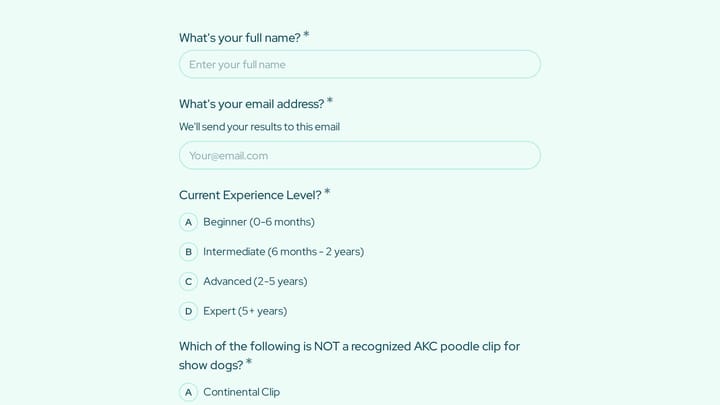
A dog grooming certification practice quiz form helps you assess grooming knowledge across breed-specific cuts, handling techniques, skin conditions, and salon safety. Use it to deliver a structured practice test for students, junior groom…
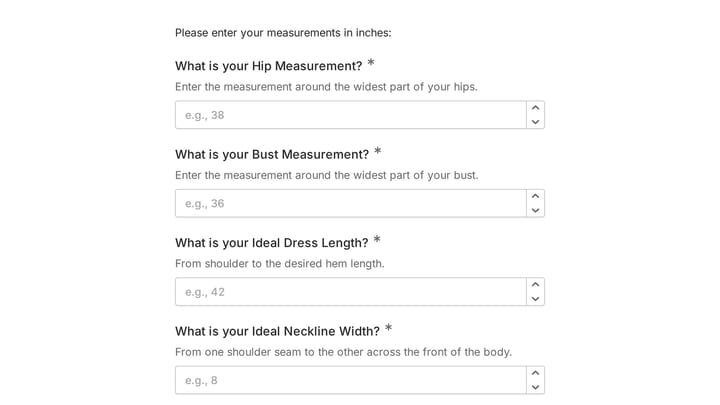
This body measurement form provides a straightforward way to record essential physical dimensions. It's an ideal tool for custom clothing design, fitness tracking, or monitoring personal progress with precision.
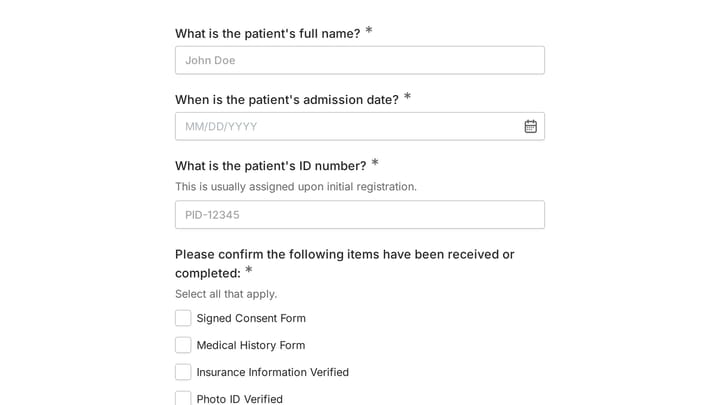
Streamline your intake process with this comprehensive digital admission checklist template. It helps organizations efficiently collect all necessary information and documents from applicants, ensuring a smooth and organized start.
Your form data is stored in the European Union, in SOC 2 compliant data centers, and is encrypted in transit over HTTPS/TLS and at rest. We follow data protection protocols that align with GDPR requirements and conduct regular security audits. Read more on our security page or in our Privacy Policy.
Create an account and you can start building forms right away using the drag-and-drop editor. You can also try the editor without signing up to see how it works first.
Free forever. Unlimited responses. No signup to start.
