
For small businesses
Send an intake form with the booking confirmation and walk into every consultation already knowing the context. Clients love not repeating themselves; you save twenty minutes per meeting.
Client intake
Background, goals, and constraints collected before the first conversation.
Quote requests
The details you need to price a job, structured instead of scattered across emails.
Booking requests
Let clients propose a time along with everything you need to prepare.
Testimonials & reviews
A short form makes asking for a review easy for both sides.
A branded form on your own site reads like an established operation — even if the business is one person and a laptop.
No subscription to justify, no response limits to watch. The core workflow costs nothing at any volume.
Start from a template or describe the form to the AI builder, adjust it in the editor, and put the link in your email signature today.
Every template is fully editable — restyle it, restructure it, make it yours.
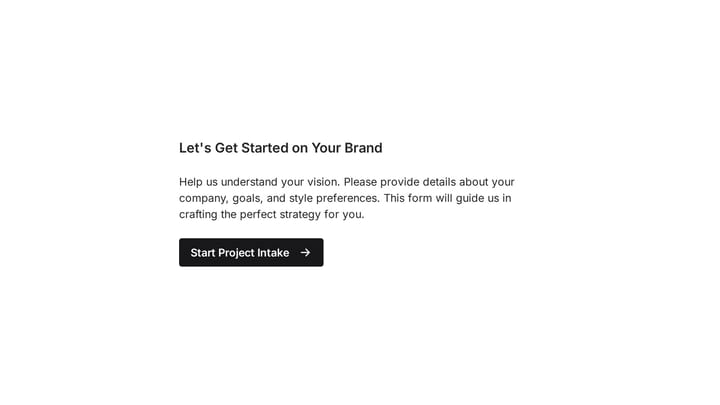
Empower your branding projects from the start with this essential intake form template. It guides creative professionals in capturing crucial client details like project goals, target audience, style preferences, and necessary assets for a perfectly aligned kickoff.
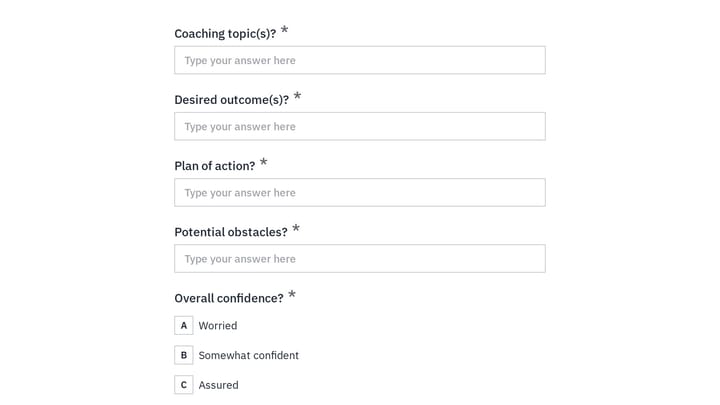
Use this employee coaching form to document key takeaways from 1:1 coaching sessions, including goals, action steps, obstacles, confidence level, and the next meeting date. It gives managers, HR teams, and coaches a clear, repeatable way t…
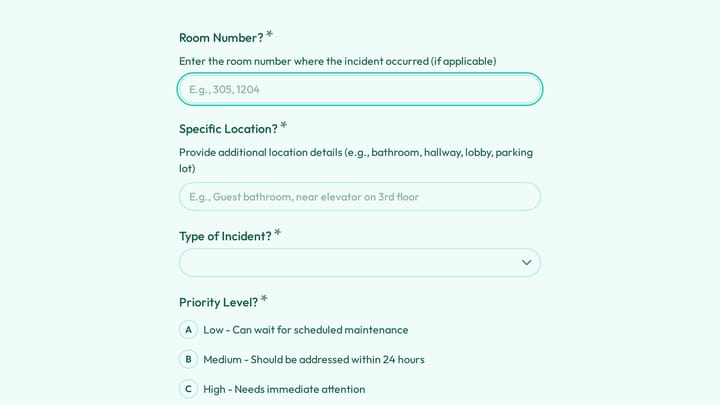
A hotel damage and incident report form helps staff document room damage, guest complaints, and safety issues in a consistent way. This template captures the details managers need to assess urgency, track costs, and follow up properly.
Create an account and you can start building forms right away using the drag-and-drop editor. You can also try the editor without signing up to see how it works first.
Yes. Every form comes with an embed snippet — paste it into any website builder or HTML page and the form renders inline, matching the theme you designed. You can also open forms as a popup over your page instead of embedding them inline.
Free forever. Unlimited responses. No signup to start.
