Photography Form Templates

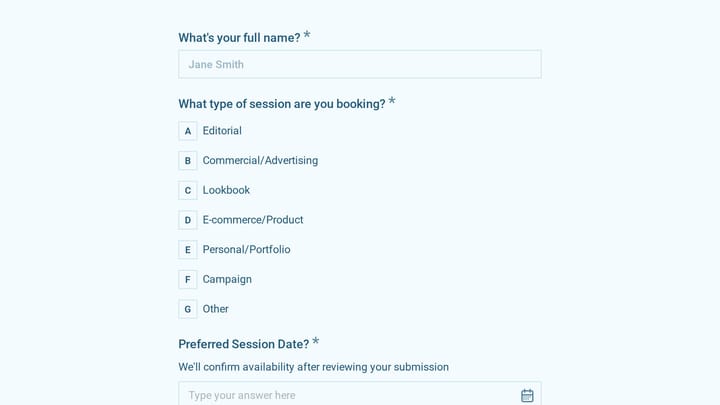
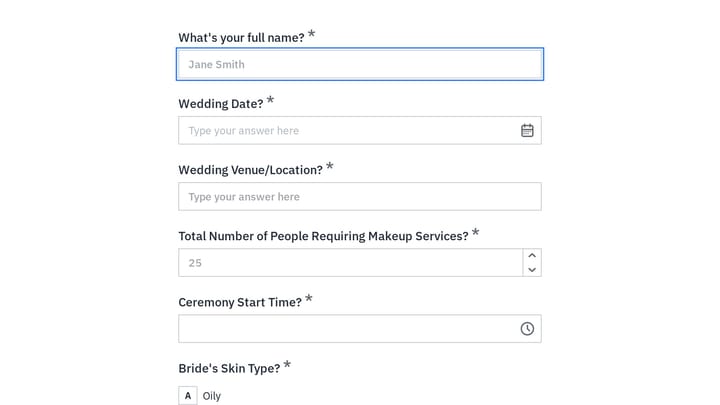
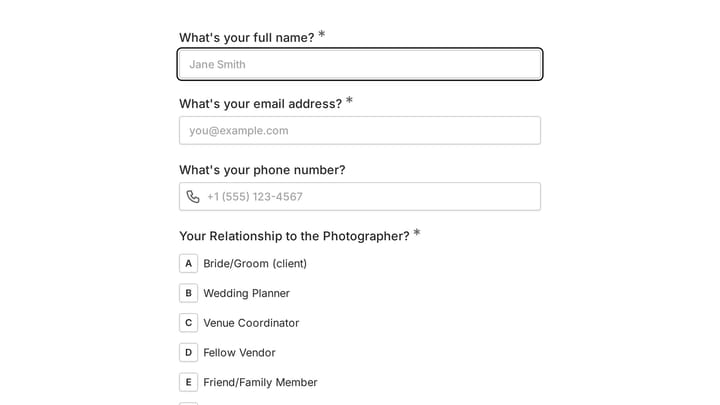
Free photography form templates. Create client intake, booking, and model release forms for your studio.

0

Audience Feedback for Creators

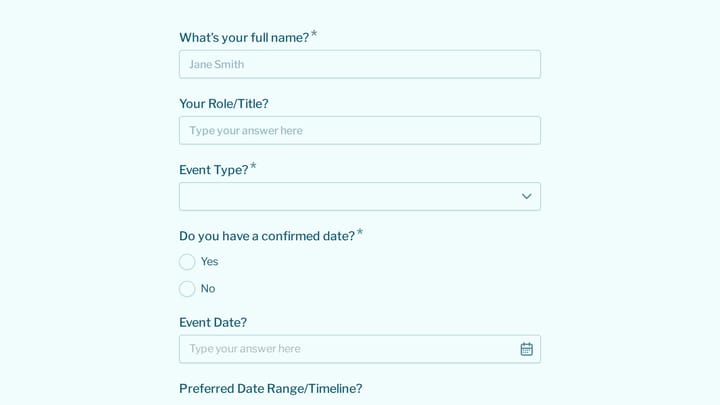
This template empowers creators to effortlessly collect valuable audience feedback and host dynamic 'Ask Me Anything' sessions. It's crafted to reveal content preferences and cultivate stronger community engagement.

Feedback Appointments Bookings Online Courses Small Business Owner
0

Client Questionnaire for Brand designers

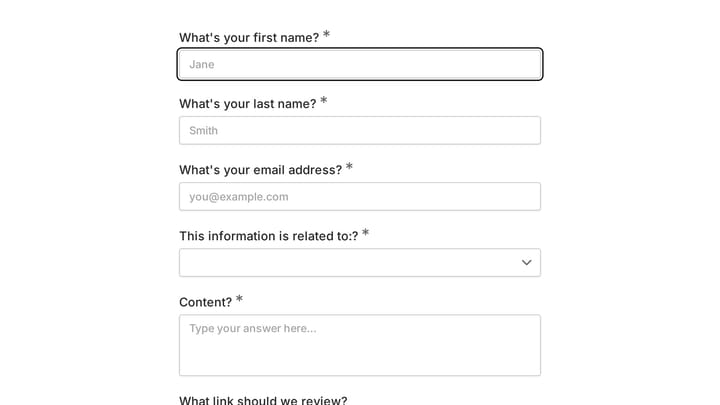
Kickstart your brand design projects with clarity using this comprehensive client questionnaire. It helps you gather essential information about your client's business, vision, target audience, and aesthetic preferences, ensuring clear communication and successful design outcomes.

Intakes Feedback Consulting Small Business Owner
0

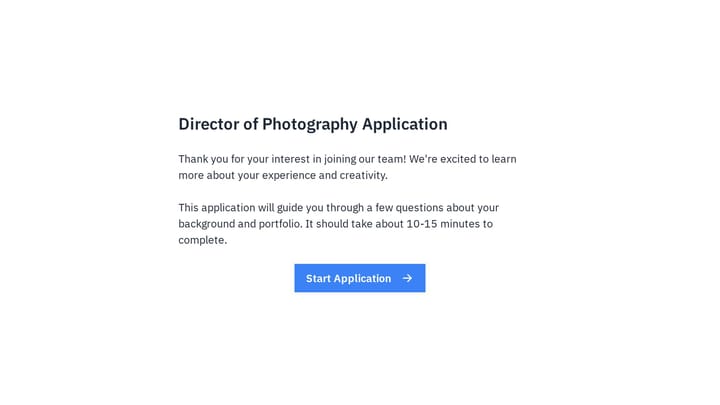
Director of Photography Job Application Form

Impress Director of Photography candidates with a job application form that reflects your brand. Easily collect resumes, cover letters, and essential portfolio details in one seamless step.

Job Applications Feedback Application Photography Recruiter

About Photography Forms

Photography forms help visual artists manage the business side of their craft. From booking inquiries and client questionnaires to model releases and delivery confirmations, they support the client experience from initial contact through final image delivery.

Photography is both art and business. Forms should reflect your creative brand while efficiently capturing the practical details needed to plan and deliver successful shoots.

Common Form Types for Photography

  • Booking inquiry and quote request forms
  • Client questionnaire with vision and preferences
  • Model release and photo consent forms
  • Session planning forms with shot lists
  • Contract and agreement acknowledgments
  • Vendor and venue coordination forms
  • Gallery delivery confirmation forms
  • Testimonial and review request forms

Who Uses Photography Forms?

Visual artists across specialties benefit from these forms. Wedding photographers collect detailed event information. Portrait photographers gather session preferences. Commercial photographers scope project requirements. Videographers plan production details. Photo booth operators manage event bookings.

Building Forms for Photography

Your forms should feel as polished as your portfolio. Collect detailed information that helps you prepare—locations, participants, must-have shots, timing. Secure model releases and consent before shoots. For events, gather complete schedules and key contacts. Send questionnaires well in advance to allow thoughtful responses. Include inspiration prompts that help clients articulate their vision.

Frequently asked questions

What is a form template?

A form template is a pre-designed form structure that you can use as a starting point for creating your own forms. Templates include pre-configured fields, layouts, and styling that are tailored for specific use cases, saving you time and ensuring best practices are followed. Simply select a template, customize it to match your needs, and publish it to start collecting responses.

How do I customize this template?

Customizing a template is easy with our drag-and-drop editor. Click "Use Template" to open the form in the editor where you can add, remove, or rearrange fields, change colors and fonts to match your brand, update question text and descriptions, configure validation rules, and set up email notifications. All changes are saved automatically, and you can preview your form at any time before publishing.

Is this template free to use?

Yes, all our form templates are completely free to use. You can create unlimited forms from any template on our free plan. Some advanced features like file uploads, custom domains, and removing branding require a paid plan, but the core form functionality and templates are available to everyone at no cost.

Can I use this template for my business?

Absolutely! Our templates are designed for both personal and business use. Whether you're a freelancer, small business, or enterprise, you can use any template to collect leads, gather feedback, process applications, or handle any other form-based workflow. For business use, we recommend our Pro plan which includes features like custom branding, advanced analytics, and priority support.

How do I share my form after creating it?

Once you've customized and published your form, you have several sharing options. You can copy the direct link to share via email, social media, or messaging apps. You can also embed the form on your website using our embed code, or use a QR code for offline materials. All sharing options are available from your form's settings page after publishing.

Ready to create your first Fomr?

Your next form deserves better than a white page with dropdowns. Build something people actually want to fill out.