For educators
Online Form Builder for Schools
Build enrollment forms, permission slips, quizzes, and course evaluations that students and parents complete on any device. Free for the whole school.
Schools run on forms, and most of them are still paper
The start of every term brings the same stack. Enrollment packets, emergency contacts, photo consents, club signups, and field trip slips go home in backpacks, come back crumpled or not at all, and end up being typed into a spreadsheet by whoever has a free period.
Online forms move that time somewhere better. Parents fill them in on their phone the evening they get the link. Required fields mean nothing comes back half done, and the answers are already in a list you can sort by class. Student quizzes and course evaluations work the same way, and you can compare this term's answers with last term's.
Fomr is free for the whole staff room, with no cap on forms or responses, so nobody needs a purchase order to get started. Forms open on whatever device a family has, and labels and keyboard navigation work out of the box.
Enrollment and registration
Admission, registration, and signup forms for schools, programs, and classes.
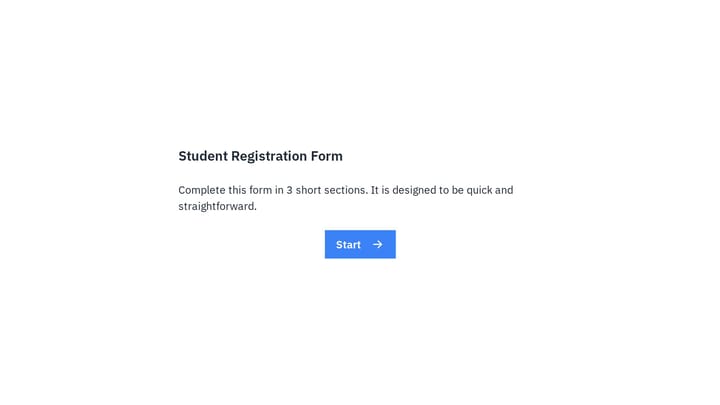
Student Registration Form
Use this student registration form to collect essential enrollment details for a course or class in one clear flow. It helps schools, tutors, and training providers gather names, student numbers, course information, and contact details onl…
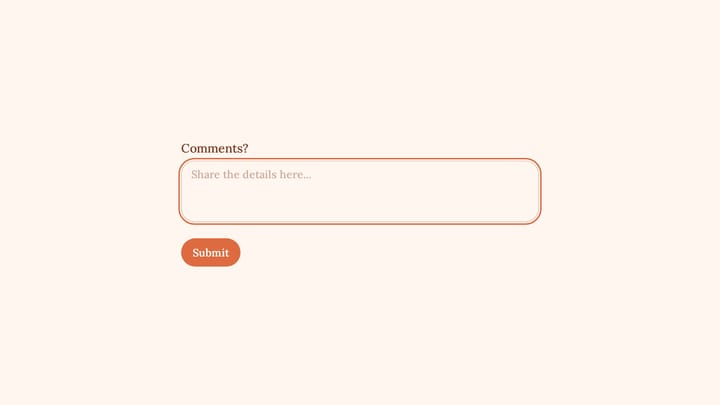
Student Enrollment Form
Use this Student Enrollment Form to collect participant details and attendance information. It keeps registration, confirmation, and event follow-up organized.
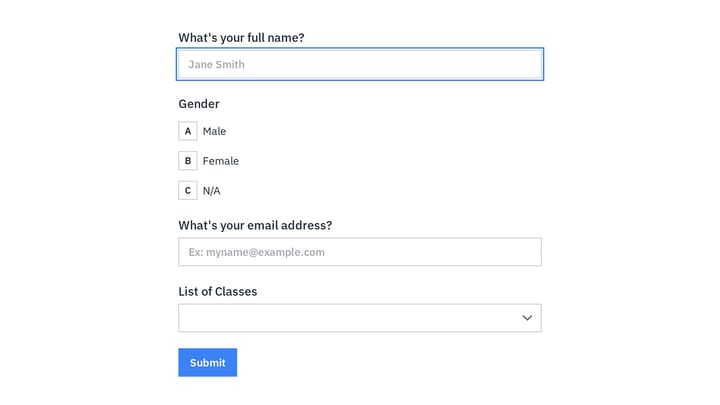
Class Registration Form
Use this event registration form to track responses, attendee details, and follow-up information in a single workflow. It gives organizers a simple way to manage registrations without extra admin work.
Forms educators build with Fomr
Each one starts from a template or a blank page, and every field below is a suggestion you can rename, reorder, or remove.
Student enrollment and registration
Programs, prerequisites, and student details captured in one structured form.
- Student details
- Grade or program
- Guardian contacts
- Previous school
Class and course signups
Elective, workshop, and continuing education signups with session choices.
- Course
- Session
- Experience level
- Accommodation needs
Permission slips
Trip and activity permissions parents confirm from their phone with a checkbox and their typed name.
- Student name
- Activity details
- Guardian confirmation
- Emergency contact
Quizzes and practice tests
Auto-scored knowledge checks with Calculated values, and the score shown on the last page.
- Multiple choice
- Short answer
- Score
- Feedback
Course and teacher evaluations
End-of-course feedback with ratings and scales you can compare across terms.
- Course rating
- Instructor rating
- Workload
- Comments
Student check-ins and wellbeing surveys
Quick pulse surveys between classes that surface who needs support.
- Mood scale
- Workload
- Support needed
- Anonymous option
Parent and community surveys
Ask families about schedules, programs, and communication, and get answers you can act on.
- Satisfaction
- Program feedback
- Preferred contact method
Scholarship and program applications
Applications with essays and transcript uploads that reviewers score on the same rubric.
- Applicant details
- Essay
- Transcript upload
- References
Club and activity signups
After-school clubs, teams, and tutoring sessions with availability and contacts.
- Activity
- Availability
- Guardian contact
- Medical notes
Quizzes and assessments
Practice tests and knowledge checks with automatic scoring.
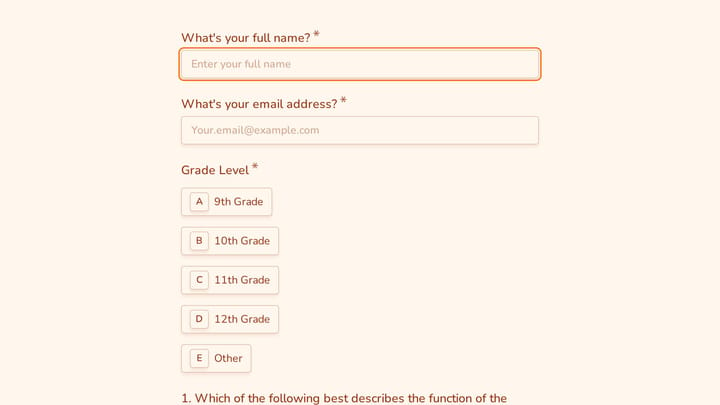
AP Biology Practice Test
An AP Biology practice test form for collecting student details, multiple-choice responses, and free-response work in one organized assessment. It works well for classroom review, tutoring sessions, and exam prep with clear scoring and fol…
Online Trivia Quiz
A three-question trivia quiz that scores each answer and shows players their result on one of two endings. Swap in your own questions for classrooms, team events, or online contests.

Art Quiz
An art quiz template for testing knowledge of famous artists, paintings, and art history basics while collecting participant names and email addresses. Use it as a simple starting point for how to create a quiz that feels polished, focused…
Why educators choose Fomr
Works on whatever device they have
Forms fit any screen, so a student without a laptop at home can still fill them in on a phone.
Free fits a school budget
Unlimited forms, responses, and staff accounts on the Free plan. Nobody has to file a procurement request.
Accessible to every student
Clean typography, proper labels, and keyboard navigation come standard, not as an add-on.
Course, teacher, and program evaluations
Feedback forms that show what's working in the classroom and what isn't.
Class Feedback Form
A short post-class survey for teachers, trainers, and workshop leaders that collects an overall rating plus focused feedback on how the class was structured and delivered.
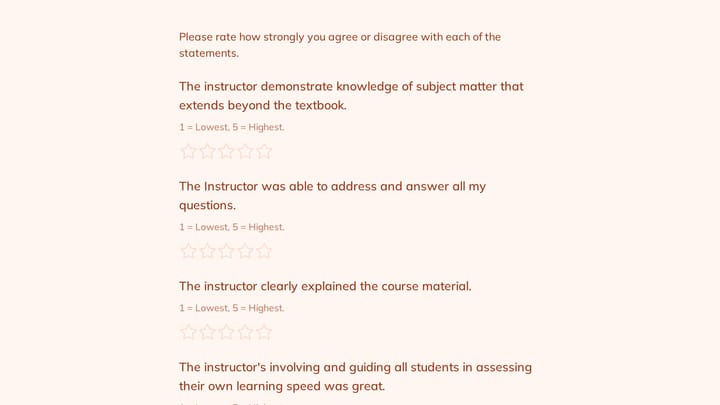
Instructor Evaluation Form
Use this course evaluation form to collect clear feedback, satisfaction scores, and open-ended comments in one place. It helps teams understand what is working well and where the experience can improve.
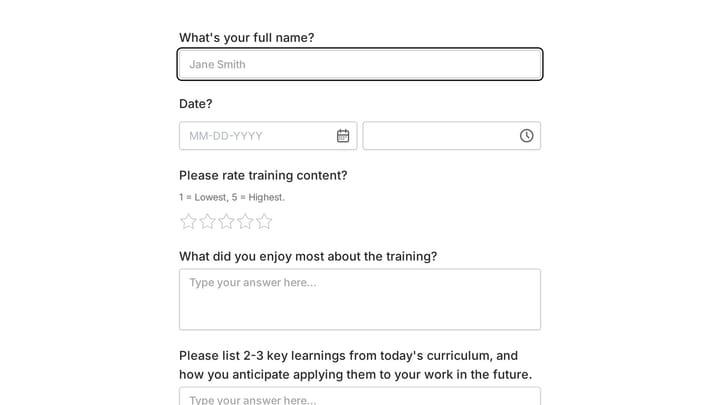
Training Feedback Form
Use this customer feedback form to collect clear feedback, satisfaction scores, and open-ended comments in one place. It helps teams understand what is working well and where the experience can improve.
How to get started
- 1
Pick a template
Open an enrollment or quiz template, or type a sentence about the form and let AI draft it.
- 2
Add your school's details
Add your logo and colors, list your classes or programs, and split long packets into pages.
- 3
Share it with families
Send the link by email or the school app, embed it on the school website, or print a QR code for the newsletter.
- 4
Sort the responses
Filter by class or grade, export to CSV, or send responses to a Google Sheet the whole team can see.
For every part of education
From a single classroom to a whole district office.
K-12 teachers
Permission slips, classroom quizzes, student check-ins, and parent conference signups.
School administration
Enrollment packets, emergency contacts, and family surveys for the front office.
Colleges and universities
Program applications, course evaluations, and alumni engagement surveys.
Online course creators
Course signups, lesson feedback, and knowledge checks for cohort and self-paced courses.
Tutors and learning centers
Intake forms, session requests, and progress check-ins with parents.
Training and certification
Practice exams, training feedback, and certification applications for workplace learning.
Student, parent, and alumni surveys
Check-ins and community surveys for everyone connected to the school.
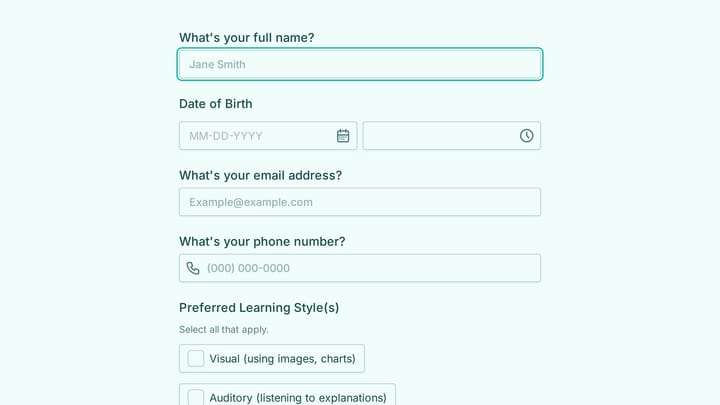
Beginning Of The Year Student Questionnaire Form
Use this event registration form to collect structured responses in a format that is easy for both respondents and your team. It helps turn incoming information into a more organized workflow.
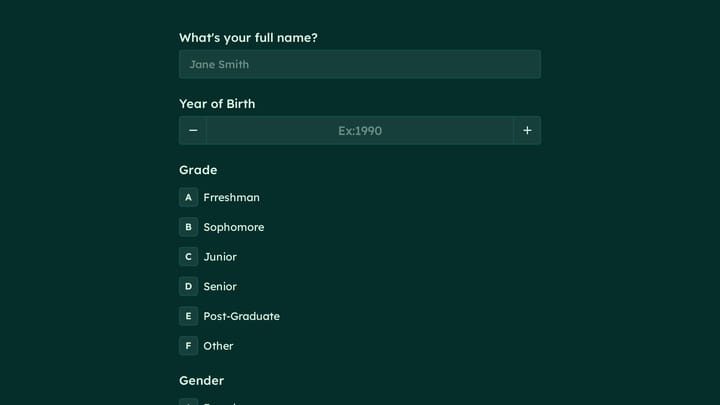
Student Stress Survey Form
Use this student stress survey form to collect clear feedback, satisfaction scores, and open-ended comments in one place. It helps teams understand what is working well and where the experience can improve.
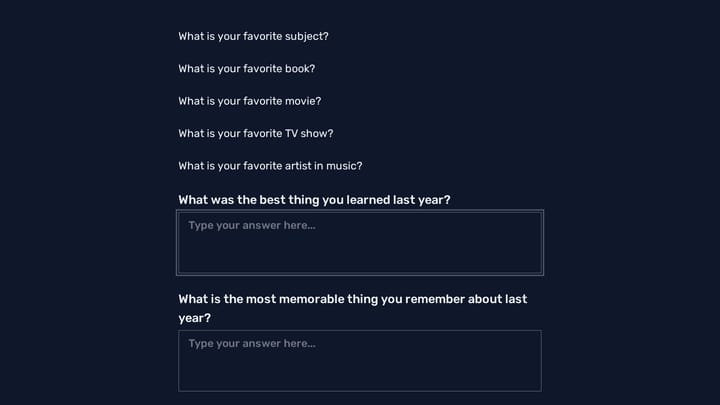
Student Interest Survey Form
Use this student interest survey form to collect clear feedback, satisfaction scores, and open-ended comments in one place. It helps teams understand what is working well and where the experience can improve.
How to get more forms back from students and parents
Good school forms are short, clear, and easy on a phone.
Send it when people can act on it
An evening email gets more parent responses than a link sent at 9 a.m. Set a close date a few days later so it doesn't drift.
Pre-fill what you already know
Use hidden values in the link to carry the student's class or teacher, so parents don't have to look it up.
One form per decision
Separate the photo consent from the trip permission, so a "no" on one doesn't hold up the other.
Make quizzes give feedback
Show the score and the correct answers on the final page, so the quiz teaches as well as tests.
Keep wellbeing surveys anonymous
Students answer more honestly when you don't ask for their name. Offer a separate, optional "talk to someone" question.
Write for every reading level
Short sentences, clear labels, and one question per idea help younger students and families reading in a second language.
Related reading
Educators and Fomr: common questions
Yes. The Free plan includes unlimited forms, unlimited responses, and unlimited team members, so a whole school can use it without per-seat costs.
Yes. Use Calculated values to add points for correct answers and show the score on the final page with answer piping. Conditional logic is included on every plan.
Fomr doesn't have a drawn signature field yet. Permission slips in Fomr use a required confirmation checkbox, the parent's typed full name, and the date. If your district requires a drawn or certified e-signature, use a dedicated e-signature tool for that step.
No. Anyone with the link can respond in their browser, with no app or login. Only the people building forms need a Fomr account.
Yes. The File Upload component accepts documents and images on every plan, up to 10 MB per file on Free and up to 5 GB on Pro. Files stay private to your organization.
Yes, Fomr has a free plan that includes unlimited forms, unlimited responses, unlimited team members, 25+ form components, conditional logic, calculated values, design customization, email notifications, and more. The Pro plan adds features like custom domains, removal of Fomr branding, SEO controls, multiple endings, and redirects on completion.
As many as you want. Fomr has no per-seat pricing and no editor limits — invite your whole team on the free plan and build together.
Yes, you can customize colors, fonts, backgrounds, spacing, layout, and logos. Upload background images or choose from Unsplash. Pro users can also remove Fomr branding. Learn more about design customization.