Non-profit Form Templates

Free non-profit form templates for charities and foundations. Create donation, volunteer, and event registration forms.

0

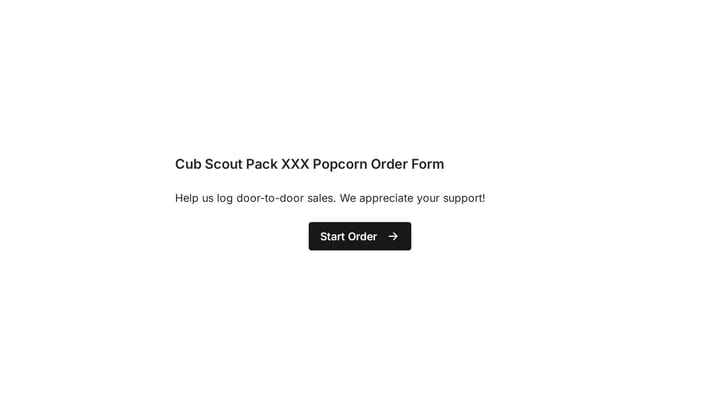
Scout's Popcorn Sales Form

This template simplifies order taking for scout popcorn sales and other fundraising campaigns. It helps young sellers accurately log door-to-door sales, integrating seamlessly with Google Forms for efficient data management.

Orders Event Registration Payments Non-profit Nonprofit Coordinator

About Non-profit Forms

Non-profit forms support mission-critical functions—from donations and volunteer recruitment to program registration and impact measurement. They help organizations engage supporters, coordinate activities, and demonstrate results to funders and stakeholders.

Non-profits often operate with limited resources while serving diverse communities. Forms should be accessible, cost-effective, and designed to minimize barriers to participation.

Common Form Types for Non-profits

  • Donation and fundraising forms
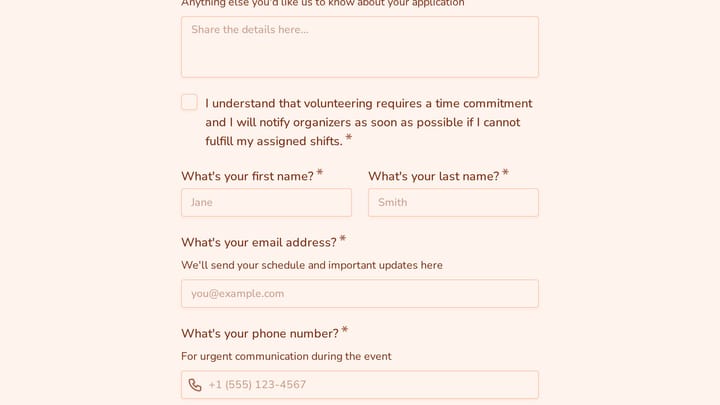
  • Volunteer application and scheduling forms
  • Event registration and ticketing forms
  • Program enrollment forms
  • Grant application and reporting forms
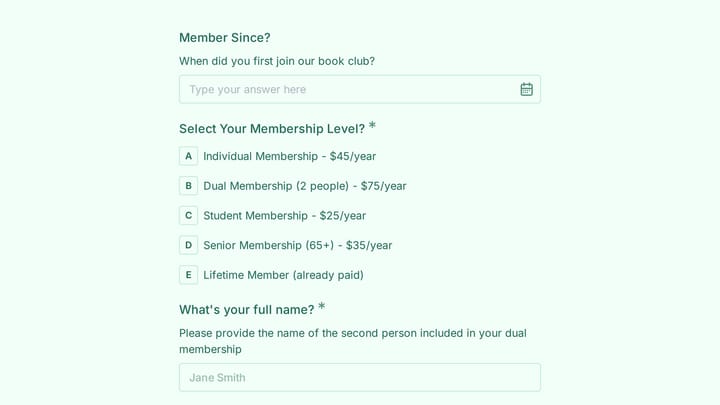
  • Membership enrollment forms
  • Impact survey and feedback forms
  • Sponsorship inquiry forms

Who Uses Non-profit Forms?

Mission-driven organizations across causes use these forms. Charities collect donations and recruit volunteers. Foundations manage grant applications. Community organizations register program participants. Advocacy groups mobilize supporters. Educational non-profits enroll students and families.

Building Forms for Non-profits

Make donation forms simple—reduce barriers to giving. Offer suggested amounts with impact descriptions. Enable recurring giving prominently. For volunteer forms, collect skills and availability while making signup encouraging rather than demanding. Ensure accessibility for diverse communities. Keep forms mobile-friendly since many supporters engage on phones. Thank donors and volunteers immediately and meaningfully.

Frequently asked questions

What is a form template?

A form template is a pre-designed form structure that you can use as a starting point for creating your own forms. Templates include pre-configured fields, layouts, and styling that are tailored for specific use cases, saving you time and ensuring best practices are followed. Simply select a template, customize it to match your needs, and publish it to start collecting responses.

How do I customize this template?

Customizing a template is easy with our drag-and-drop editor. Click "Use Template" to open the form in the editor where you can add, remove, or rearrange fields, change colors and fonts to match your brand, update question text and descriptions, configure validation rules, and set up email notifications. All changes are saved automatically, and you can preview your form at any time before publishing.

Is this template free to use?

Yes, all our form templates are completely free to use. You can create unlimited forms from any template on our free plan. Some advanced features like file uploads, custom domains, and removing branding require a paid plan, but the core form functionality and templates are available to everyone at no cost.

Can I use this template for my business?

Absolutely! Our templates are designed for both personal and business use. Whether you're a freelancer, small business, or enterprise, you can use any template to collect leads, gather feedback, process applications, or handle any other form-based workflow. For business use, we recommend our Pro plan which includes features like custom branding, advanced analytics, and priority support.

How do I share my form after creating it?

Once you've customized and published your form, you have several sharing options. You can copy the direct link to share via email, social media, or messaging apps. You can also embed the form on your website using our embed code, or use a QR code for offline materials. All sharing options are available from your form's settings page after publishing.

Ready to create your first Fomr?

Your next form deserves better than a white page with dropdowns. Build something people actually want to fill out.