Waitlist Forms Templates

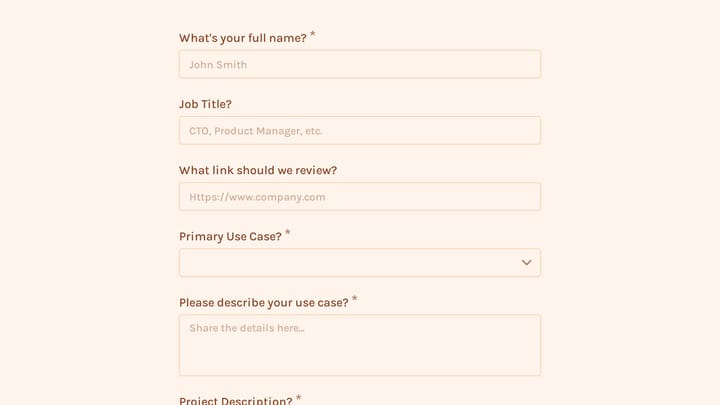
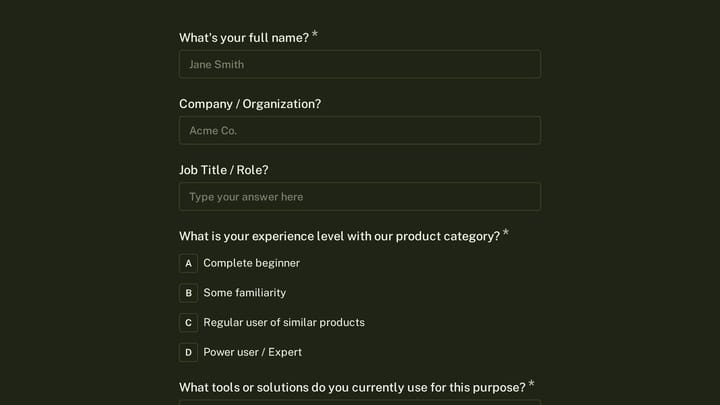
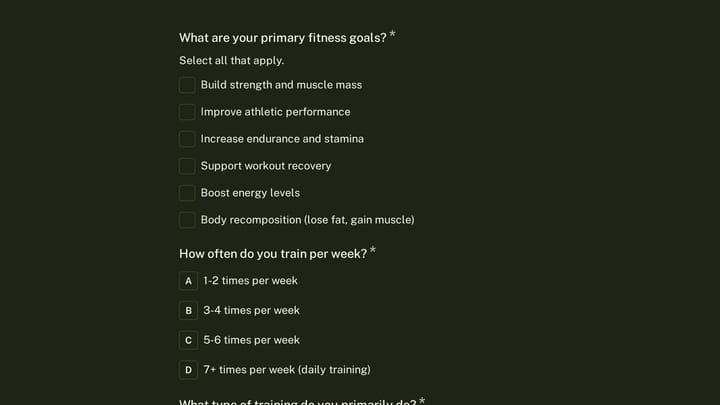
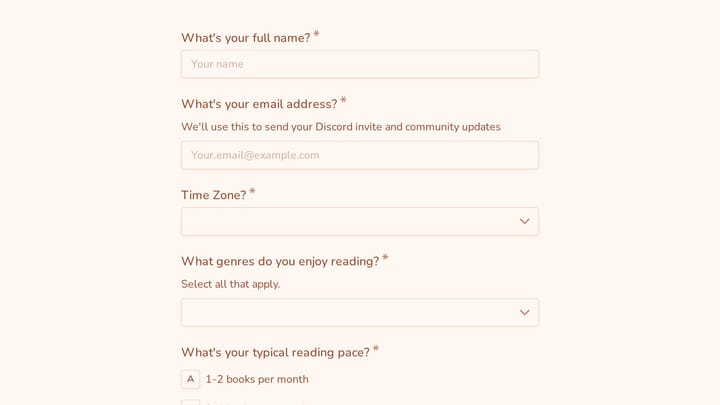
Free waitlist form templates to build pre-launch excitement. Capture interested customers before your product or service launches.

0

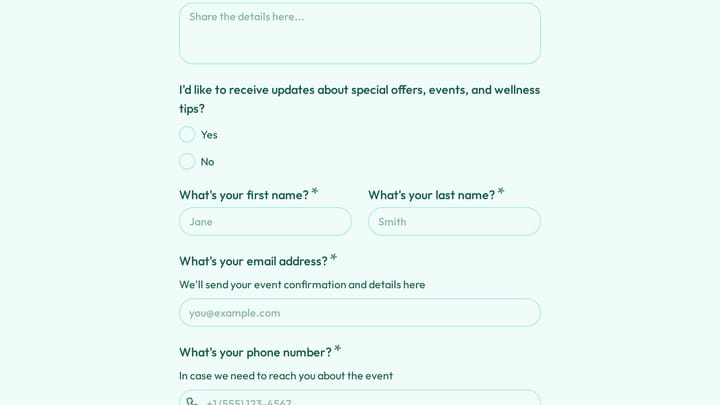
Academic Skills Tutoring Request

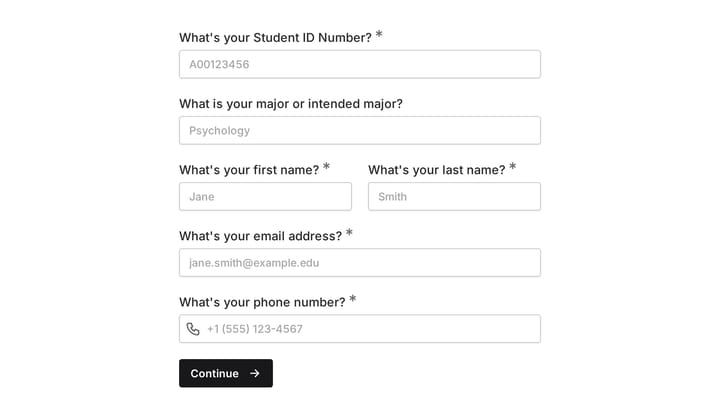
This form helps college freshmen request academic skills tutoring as they transition to higher education. It efficiently gathers their needs for support in areas like time management, study habits, note-taking, and test preparation.

Education Support Quote Requests Education Teacher & Educator

About Waitlist Forms

Waitlist forms help you gauge demand and build an audience before your product, service, or event is ready. They create a sense of exclusivity and urgency while giving you a direct line to your most interested prospects. A strong waitlist can validate your idea, inform your launch strategy, and ensure you have customers waiting when you open doors.

Startups use waitlists to validate product-market fit. Event planners manage capacity for popular venues. E-commerce brands build hype for limited-edition drops.

Common Use Cases

  • Product launches and new feature releases
  • Beta program signups for early testing
  • Limited capacity events and experiences
  • Course enrollments before opening registration
  • Restaurant openings and reservation lists
  • Membership programs with limited spots
  • Real estate listings before properties hit the market

Who Uses Waitlist Forms?

Technology companies build anticipation for new products. Fitness studios manage class capacity. Restaurants take reservations for opening night. Online course creators gauge interest before recording content. Real estate developers collect buyer interest for new projects.

Building Effective Waitlist Forms

Keep waitlist forms short—email is often enough to start. Consider adding one or two qualifying questions to segment your list (like budget range or intended use case). Create urgency by showing the waitlist count or offering incentives for early signups. Most importantly, follow through with regular updates to keep your waitlist engaged until launch.

Frequently asked questions

What is a form template?

A form template is a pre-designed form structure that you can use as a starting point for creating your own forms. Templates include pre-configured fields, layouts, and styling that are tailored for specific use cases, saving you time and ensuring best practices are followed. Simply select a template, customize it to match your needs, and publish it to start collecting responses.

How do I customize this template?

Customizing a template is easy with our drag-and-drop editor. Click "Use Template" to open the form in the editor where you can add, remove, or rearrange fields, change colors and fonts to match your brand, update question text and descriptions, configure validation rules, and set up email notifications. All changes are saved automatically, and you can preview your form at any time before publishing.

Is this template free to use?

Yes, all our form templates are completely free to use. You can create unlimited forms from any template on our free plan. Some advanced features like file uploads, custom domains, and removing branding require a paid plan, but the core form functionality and templates are available to everyone at no cost.

Can I use this template for my business?

Absolutely! Our templates are designed for both personal and business use. Whether you're a freelancer, small business, or enterprise, you can use any template to collect leads, gather feedback, process applications, or handle any other form-based workflow. For business use, we recommend our Pro plan which includes features like custom branding, advanced analytics, and priority support.

How do I share my form after creating it?

Once you've customized and published your form, you have several sharing options. You can copy the direct link to share via email, social media, or messaging apps. You can also embed the form on your website using our embed code, or use a QR code for offline materials. All sharing options are available from your form's settings page after publishing.

Ready to create your first Fomr?

Your next form deserves better than a white page with dropdowns. Build something people actually want to fill out.