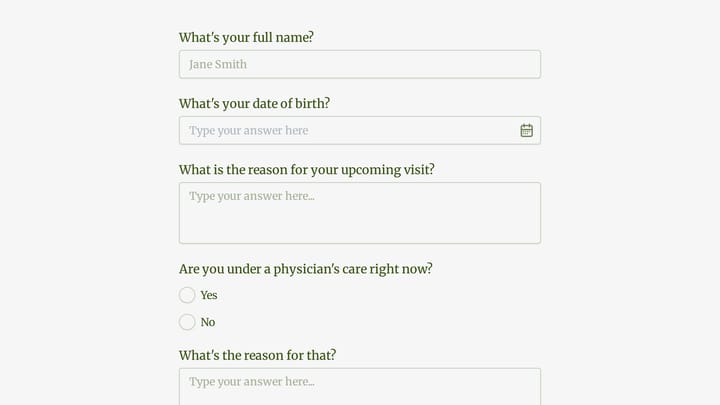
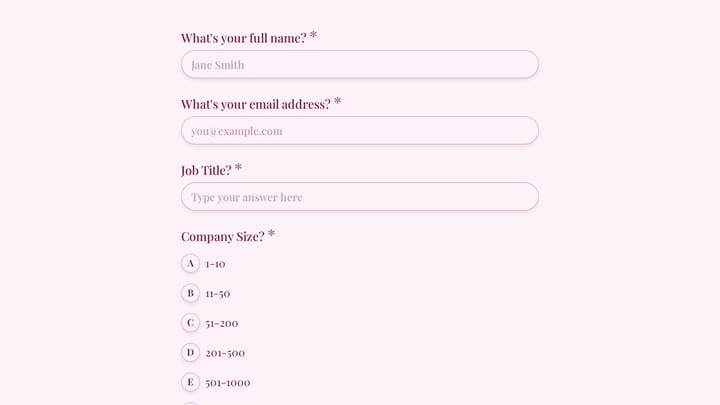
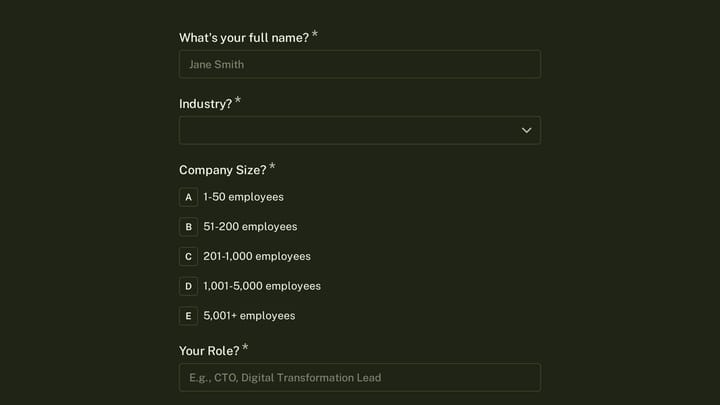
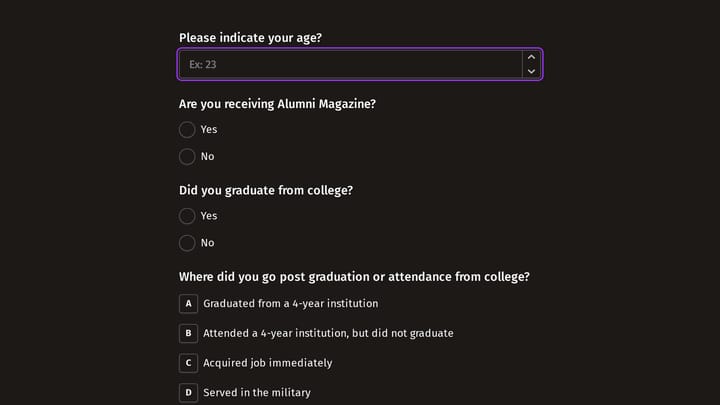
Marketing Executive Form Templates

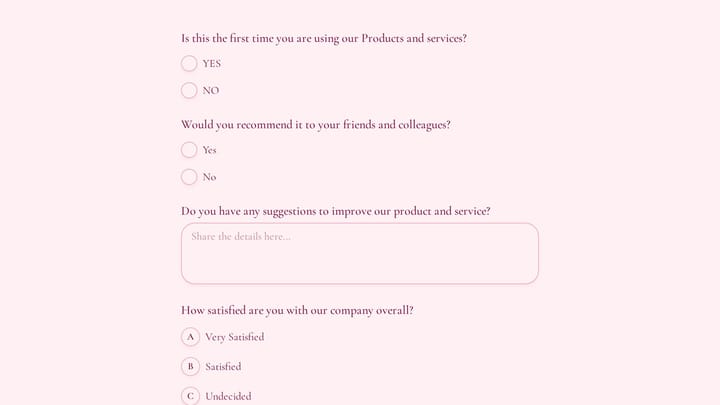
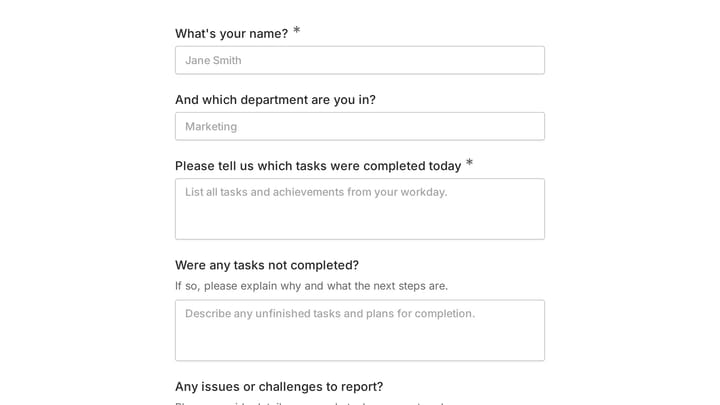
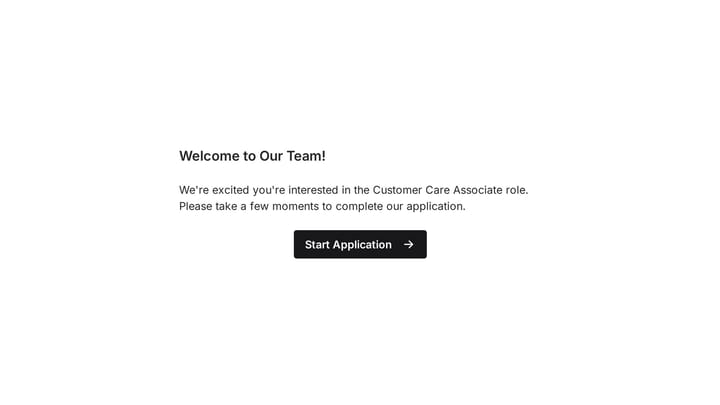
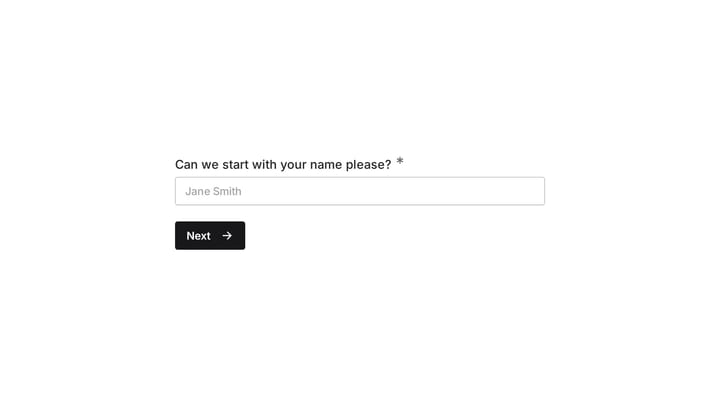
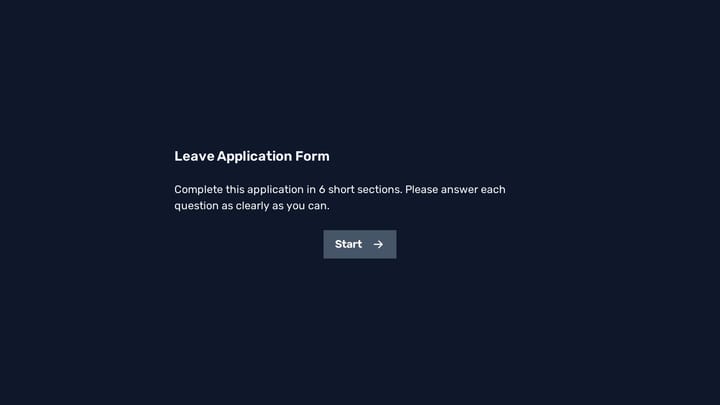
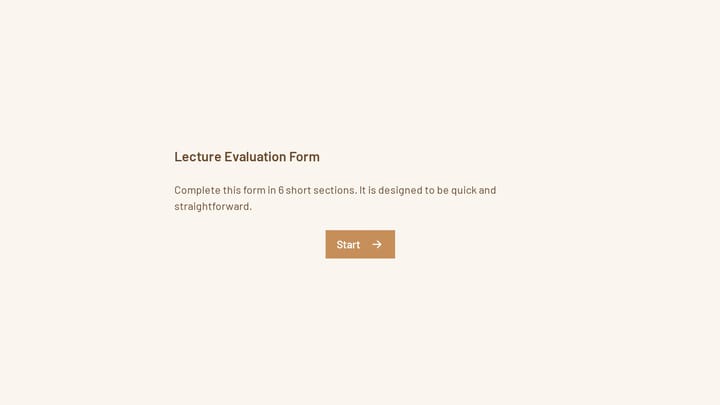
Free marketing form templates. Create lead generation, survey, and campaign feedback forms that fuel your marketing strategy.

4

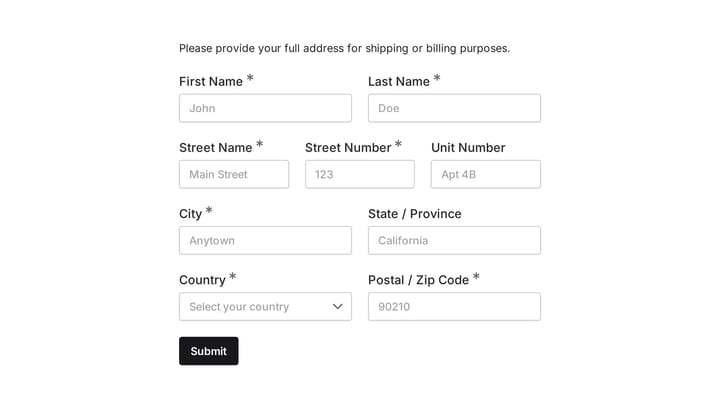
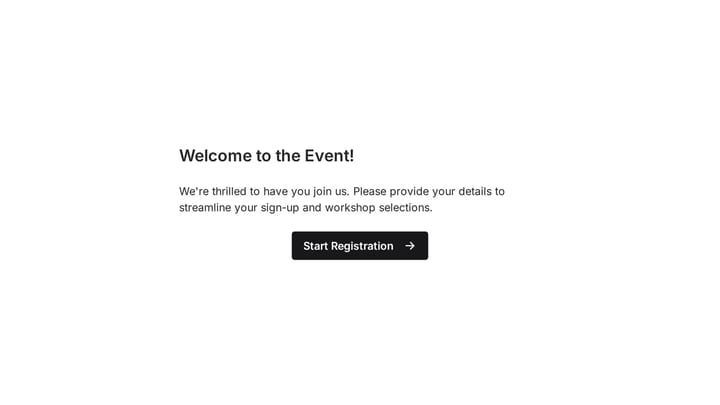
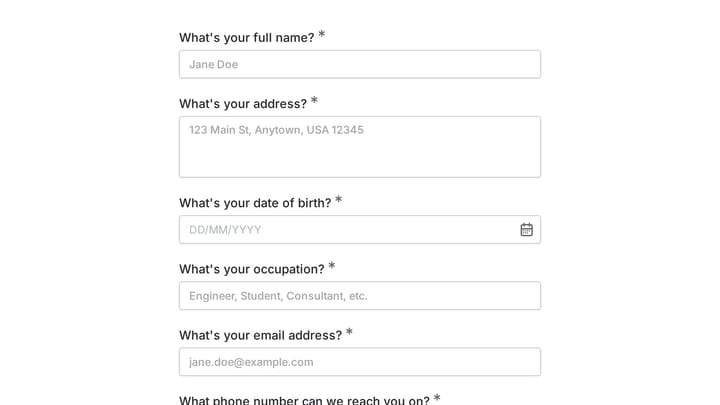
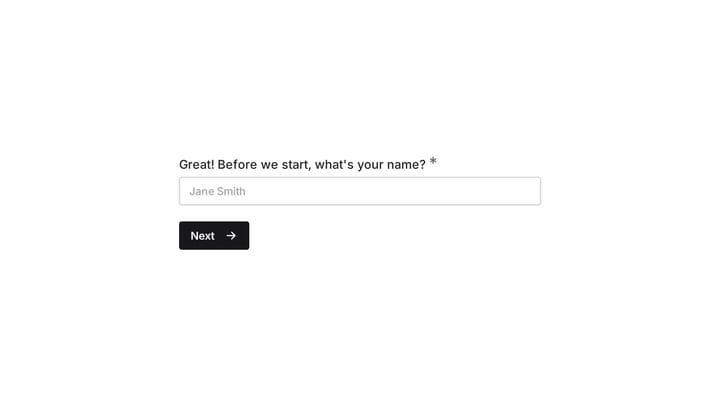
Event Volunteer Form

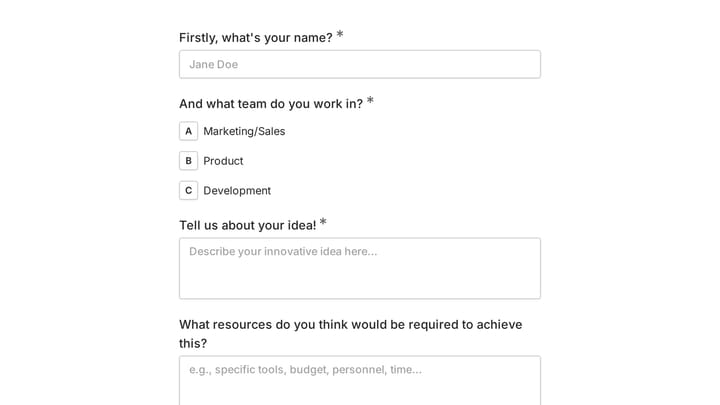
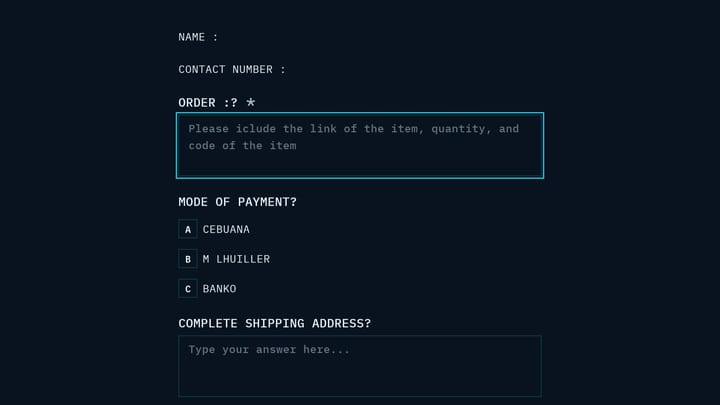
Streamline your event planning by effortlessly collecting all the crucial details from your potential volunteers. This customizable form simplifies sign-ups, helping you build a supportive and well-organized team.

Feedback Polls Education Events Sales Representative

Forms for Marketing Executives

Marketing executives use forms as essential tools for lead generation, customer research, and campaign measurement. From gated content downloads to survey responses, forms capture the data that drives marketing decisions and proves ROI.

Digital forms integrate with marketing automation platforms, enabling sophisticated nurture campaigns and lead scoring. They provide measurable conversion points that demonstrate marketing's impact on the sales pipeline.

Common Form Types for Marketing

  • Lead capture forms for gated content
  • Newsletter signup and email subscription
  • Webinar and event registration
  • Customer surveys and feedback collection
  • Market research questionnaires
  • Contest and giveaway entries
  • Product feedback and feature requests
  • Referral program submissions

Industries Where Marketing Executives Work

Marketing roles exist in every business. Technology companies generate product demos. E-commerce brands build email lists. Consulting firms capture thought leadership interest. Healthcare organizations promote services to patients. Financial services qualify advisory prospects. Non-profits engage donors and volunteers.

Building High-Converting Marketing Forms

Marketing forms must balance lead quality with conversion rates. Shorter forms convert better but provide less qualification data—choose based on your funnel stage. Use compelling calls-to-action that emphasize value. Test form placement, length, and design to optimize performance. Ensure forms work across devices and integrate with your marketing stack for immediate follow-up.

Frequently asked questions

What is a form template?

A form template is a pre-designed form structure that you can use as a starting point for creating your own forms. Templates include pre-configured fields, layouts, and styling that are tailored for specific use cases, saving you time and ensuring best practices are followed. Simply select a template, customize it to match your needs, and publish it to start collecting responses.

How do I customize this template?

Customizing a template is easy with our drag-and-drop editor. Click "Use Template" to open the form in the editor where you can add, remove, or rearrange fields, change colors and fonts to match your brand, update question text and descriptions, configure validation rules, and set up email notifications. All changes are saved automatically, and you can preview your form at any time before publishing.

Is this template free to use?

Yes, all our form templates are completely free to use. You can create unlimited forms from any template on our free plan. Some advanced features like file uploads, custom domains, and removing branding require a paid plan, but the core form functionality and templates are available to everyone at no cost.

Can I use this template for my business?

Absolutely! Our templates are designed for both personal and business use. Whether you're a freelancer, small business, or enterprise, you can use any template to collect leads, gather feedback, process applications, or handle any other form-based workflow. For business use, we recommend our Pro plan which includes features like custom branding, advanced analytics, and priority support.

How do I share my form after creating it?

Once you've customized and published your form, you have several sharing options. You can copy the direct link to share via email, social media, or messaging apps. You can also embed the form on your website using our embed code, or use a QR code for offline materials. All sharing options are available from your form's settings page after publishing.

Ready to create your first Fomr?

Your next form deserves better than a white page with dropdowns. Build something people actually want to fill out.