
Integrations connect your forms with other tools. Here’s what works today and everything that’s on the way. Open any available integration for its full setup guide.
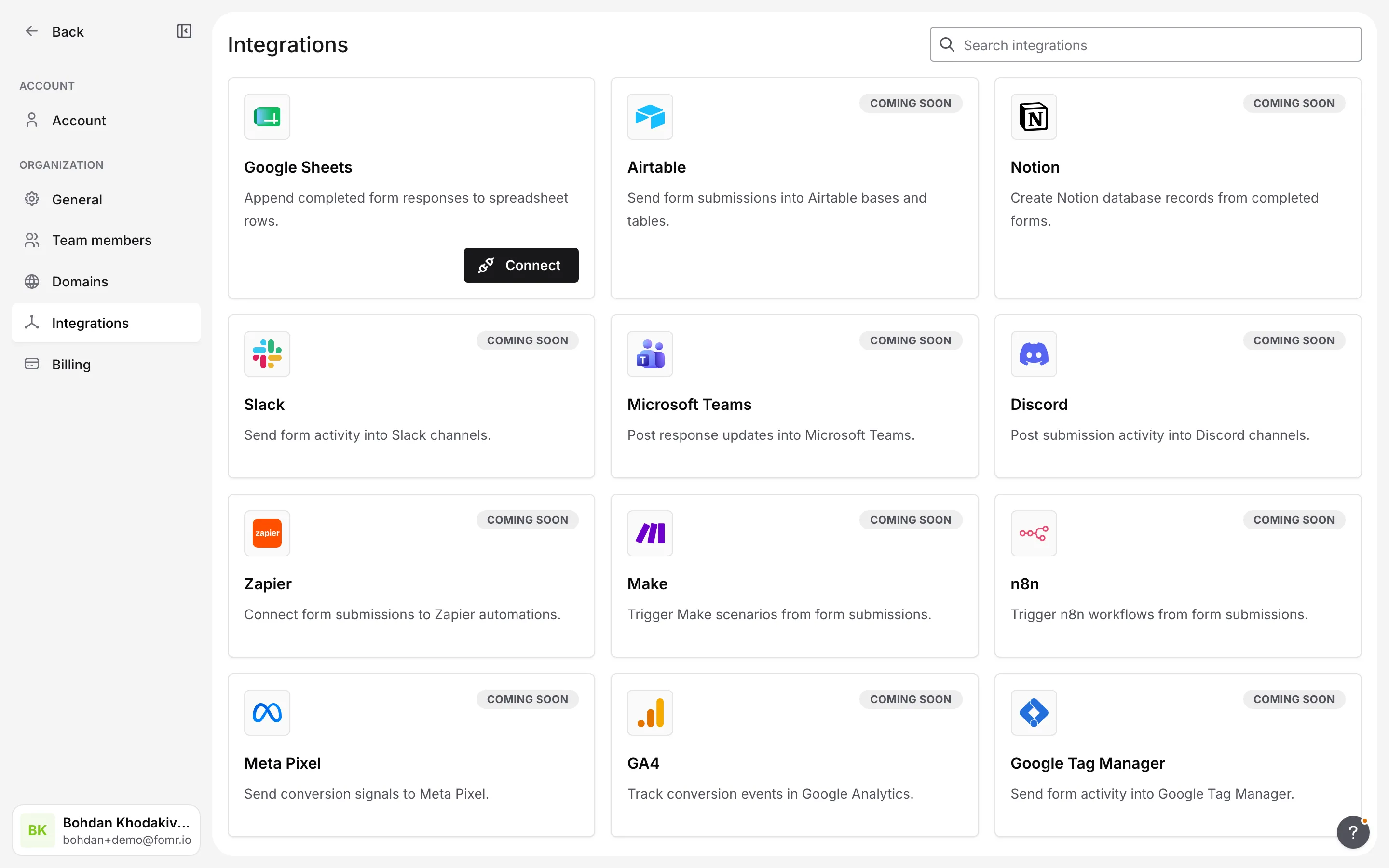
Available now
Section titled “Available now”| Integration | What it does | |
|---|---|---|
| Google Sheets | Send every submission to a spreadsheet as a new row, automatically. | Set up → |
Coming soon
Section titled “Coming soon”These integrations are on the roadmap. New ones show up in our changelog as they ship.
| Integration | What it will do |
|---|---|
| Airtable | Send form submissions into Airtable bases and tables. |
| Notion | Create Notion database records from completed forms. |
| Slack | Send form activity into Slack channels. |
| Microsoft Teams | Post response updates into Microsoft Teams. |
| Discord | Post submission activity into Discord channels. |
| Zapier | Connect form submissions to Zapier automations. |
| Make | Trigger Make scenarios from form submissions. |
| n8n | Trigger n8n workflows from form submissions. |
| Meta Pixel | Send conversion signals to Meta Pixel. |
| GA4 | Track conversion events in Google Analytics. |
| Google Tag Manager | Send form activity into Google Tag Manager. |
In the meantime
Section titled “In the meantime”Even without a native integration, you can move your data where you need it:
- Export responses as a CSV for Excel, Google Sheets, or any spreadsheet tool.
- Get email notifications so you’re alerted the moment a form is submitted.
Request an integration
Section titled “Request an integration”Don’t see the tool you need? Tell our support team which integration you’d like and how you’d use it. We prioritize what to build next based on what people ask for.
